2. Microsoft 365 Automatic Onboarding
Automating the Microsoft 365 onboarding process is important because it solves the three biggest pain points in technical setups: human error, time drain, and security gaps.
- Elimination of Configuration Errors: Setting up MS365 involves handling sensitive strings like Client IDs, Secret Keys, and Permissions.
- Drastic Reduction in "Time-to-Value": The process is reduced to a few minutes.
- Reduced Support Overhead
- Standardized Security: Least Privilege Principle is enforced. Only request the specific read-only scopes Zanshin needs, preventing users from accidentally granting more access than necessary.
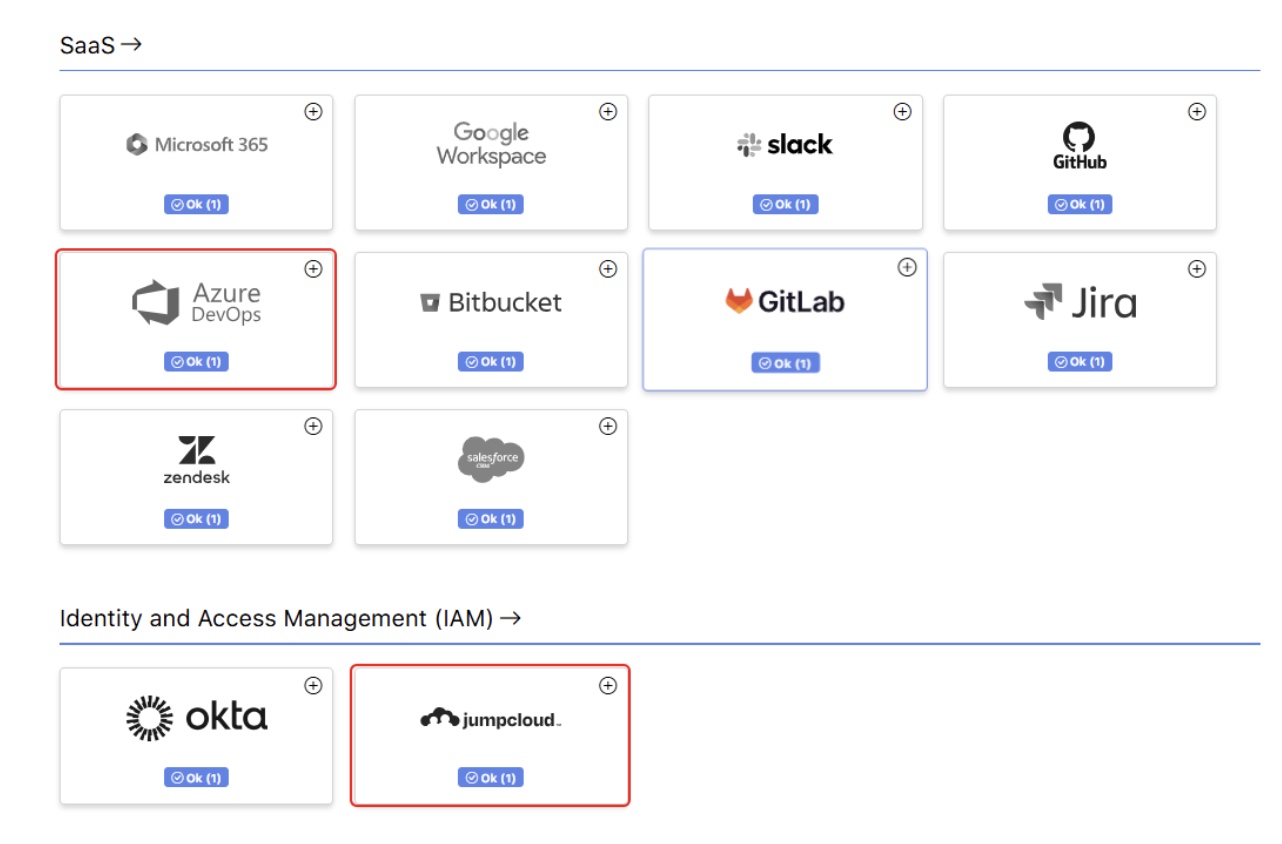
a. Go to the “MY ORGANIZATION” section and select “Scan Targets” from the left-hand menu and click the “+” button in the “Microsoft 365” box.
b. Follow the instructions in the onboard process until you reach step 4.
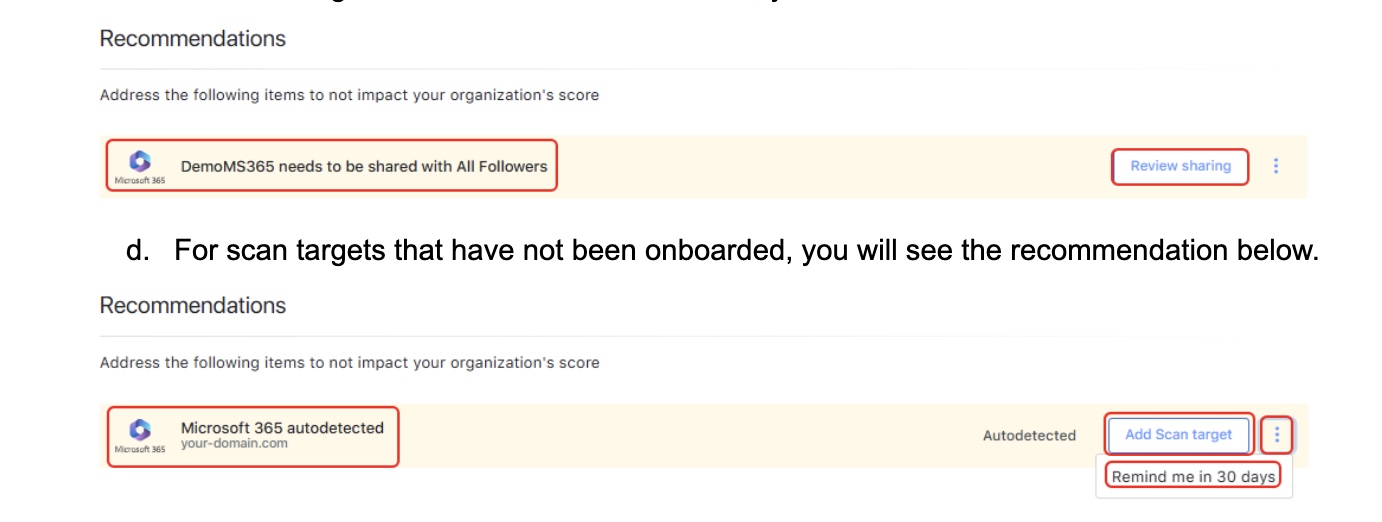
c. In step 4 you will be instructed to onboard it automatically. Just follow the instructions. If you want to proceed manually due to security policies in place at your organization please execute the steps in Integrating Microsoft 365 through admin console.